Actually copy blur to other slides
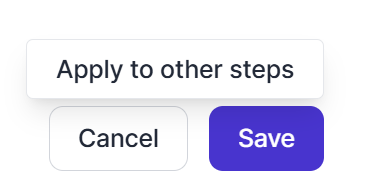
We have a field in the bottom corner of our screens that shows an email address, so I need to blur this in all guides. When adding a redact blur to a step, the save button has the tooltip “apply to other steps.” This is the behaviour I want, but it doesn’t happen. As a result, I have to go through and add the blur to every step. Please either make the save button apply the blur to all steps, or provide an extra button that does this.
It would also be helpful if the MCP could handle Blur & Annotate.
Log in to comment and vote
Comments3
Joseph Lee
Jul 10
Hi Zoe, apologies for the delay. This feature was always available - you simply need to select all of the slides on the left you’d like to apply the blur to. We’ll be improving this flow shortly to select all by default, but here’s a quick guide:
https://app.supademo.com/video/cmrfccscx009pqmzx7yjf84f9
Zoe Locke
Jul 13
Ah, the popup is an advanced option, not a tooltip?! Definitely a bit of a UX issue, but glad the option exists. Thanks for letting me know 😊
Zoe Locke
Apr 23
It looks like this has essentially been raised before, but the request was rejected without an explanation, which is really unhelpful 😞